Mammut Fall Jackets: Spreadsheet vs Google Sheets
| Published | |
|---|---|
| Revised | |
| Editors | Maya Chen Editor-in-Chief |
The Specific Task for Organizing Mammut Fall/Winter Jackets This Time If you use both Fashionreps' product directory and Google Sheets, the most common problem is not failing to find a jacket, but mistaking different colors, sizes, or pages from different sources as the same candidate. The goal of this article is to establish a verifiable recording method: first discover Mammut fall/winter jackets in the site directory, then org
Editor score 4.2 / 5
The Specific Task for Organizing Mammut Fall/Winter Jackets This Time
If you use both Fashionreps' product directory and Google Sheets, the most common problem is not failing to find a jacket, but mistaking different colors, sizes, or pages from different sources as the same candidate. The goal of this article is to establish a verifiable recording method: first discover Mammut fall/winter jackets in the site directory, then organize colors, sizes, product names, product links, and verification status into a spreadsheet, and finally decide whether to proceed to QC or pre-purchase verification.
This method is suitable for people who need to compare multiple candidates, save page entry points, or collaborate with others. It is not suitable for using the spreadsheet as real-time inventory, real-time prices, or purchase receipts. Prices, inventory, size availability, seller information, and link status should all be re-confirmed before actual operation. 🧥
Fashionreps' Site Spreadsheet Jacket Directory and Page Entry Points
Fashionreps' visible pages are centered around browsing product catalogs and product details. Users can discover candidates from product categories, brand entry points, or on-site search, then enter specific product pages to view names, images, source information, and QC-related content. The pages also provide entry points for choosing a purchasing platform; the buy button on a product page leads to an external shopping agent selected by the user, and orders, payments, and shipping are handled by the corresponding agent website.
Therefore, the site directory is better suited for the two actions of "discovering candidates" and "opening the original product page." Its advantage lies in continuous browsing between product cards, images, and detail pages, but it should not be used as a personal purchase ledger. Whether a page is still accessible, whether there is a matching style, and whether it displays enough color and size information all need to be checked page by page.
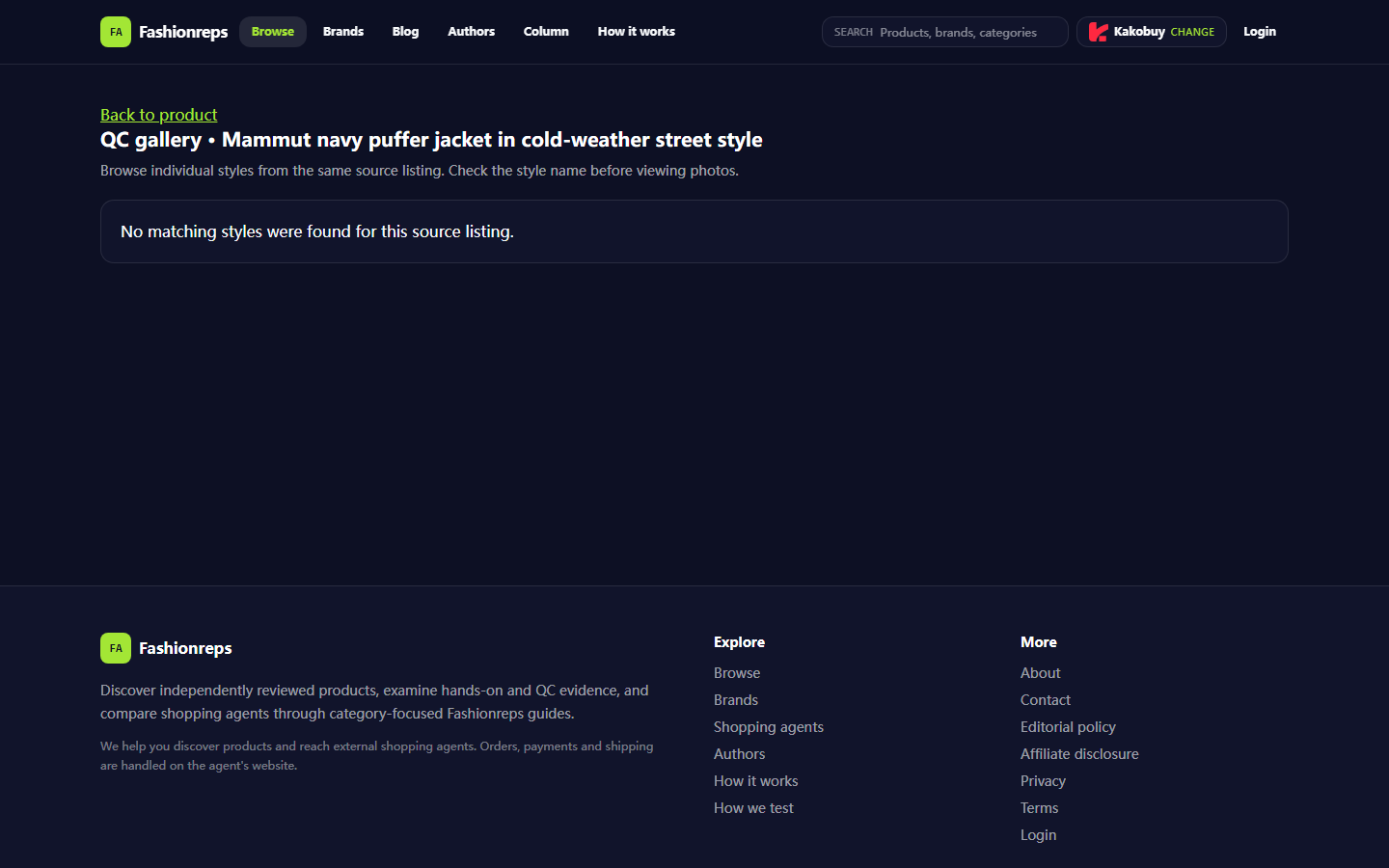
The designated representative page screenshot is shown below. It is used to help identify the relationship between product pages and QC pages, and does not represent that inventory, prices, or sizes have been currently confirmed.

Figure: Screenshot of QC page for Mammut navy puffer jacket; page status and visible content should be based on the actual results when opened.
How to Record Color, Size, and Link Status in Google Sheets
Google Sheets is better suited for saving structured records, filtering candidates, and collaborating. It is recommended to have one row per clear candidate, rather than putting multiple colors or sizes from the same source into one cell. If a product page has multiple colors, and each color has different images or inventory status, you can split them into multiple rows, and keep the same page entry point in the "Source Product Link" column.
Recommended fields are as follows:
- Product Name: Copy the visible name from the page; do not add brand or model on your own.
- Color: Record the color shown on the page; if unconfirmed, write "unverified".
- Size: Record the size range listed on the page, and also keep a "size chart verified" status.
- Product Link: Save a direct link to the product detail page, not a search results page or category page.
- Image or QC Link: Only fill in if the page actually has a corresponding entry.
- Page Status: Accessible, redirected, blank page, not found, or pending review.
- Price and Inventory: When filling in values, also record the verification date and currency; leave blank if no reliable information.
- Next Step: Continue checking, proceed to QC, ask the agent, temporarily drop, or end tracking.
A minimum executable record example is as follows:
| Product Name | Color | Size | Product Link Status | QC Status | Next Step |
|---|---|---|---|---|---|
| Mammut jacket name visible on page | Color shown on page or unverified | Size shown on page or unverified | Accessible or pending review | Has entry, no entry, or not checked | Continue checking, proceed to QC, or temporarily drop |
Do not write "link works" as "product available for purchase". Page accessibility only means the entry point is still responding, not that inventory, price, size, or seller status has not changed. 📋
Comparing Site Search and Spreadsheet Filtering Around the Same Candidate
When comparing, first select a candidate, then observe whether the site and the spreadsheet can help with the next step, rather than treating the two tools as the same system.
On Fashionreps, you can discover candidates through brand, category, or search entry points, and then enter detail pages from product cards. Images are good for quickly judging whether the style, color, and page correspond to the same product; detail pages are good for confirming the name, source description, QC page entry, and purchasing platform entry.
In Google Sheets, you can use filters to narrow down by color, size, page status, or next action. For example, only show Mammut candidates where "color confirmed, size pending verification, link accessible", then open the links one by one. The spreadsheet does not automatically prove that the page content is correct; it just centralizes the judgment criteria you have recorded.
When used together, you can follow this order:
- Discover a candidate in the site directory.
- Open the product page and confirm that the page has a clear product name and enough visible information.
- Record color, size, link, and verification date.
- Mark uncertain content as unverified, instead of guessing based on images or titles.
- Use spreadsheet filters to select candidates that need further checking.
- Return to the original page to confirm the current status, then decide whether to proceed to QC or purchase.
If a site page only shows a vague title, lacks sufficient images, or the link has redirected to an unrelated page, it should not be included as a valid candidate for comparison.
Verification Steps for Viewing Images, Returning to Pages, and Copying Links on Mobile
On mobile, the most common issues are copying the wrong link, filter conditions disappearing after going back, or mistaking the image preview page for the product detail page. You can follow these steps:
- First open the candidate in the product directory, and confirm that the browser address bar corresponds to the product detail page.
- Check the product name and main image on the page, and note whether the color is clearly indicated by text.
- Open any QC entry that may exist, and confirm whether it corresponds to the same source product.
- Use the browser's copy link function to put the detail page address into the product link column in the spreadsheet.
- After returning to the product page, check the page title again to avoid saving the QC image page or on-site search page as the product link.
- Record in the spreadsheet "opened on mobile" or "pending desktop review". Do not equate one successful load with long-term stability.
If the page becomes blank, redirects, or cannot be restored after returning, first save the link you have already copied, and mark the page status as pending review. Do not click the buy button repeatedly, and do not fill in personal payment or shipping information just because the page is temporarily visible.
What Information Site Cards and Spreadsheet Rows/Columns Are Each Suitable For
Site cards are good for viewing images, titles, and entry relationships, while spreadsheet rows and columns are good for horizontal comparison. Simply put, the site solves "what is this candidate and where to open it from", while the spreadsheet solves "why am I keeping it and what to do next".
Site pages are usually better for:
- Judging whether images match the current product.
- Viewing product details and QC page entry.
- Continuing to look for similar candidates from brands or categories.
- Selecting the shopping agent entry for later use.
Google Sheets is usually better for:
- Filtering by color, size, or verification status.
- Recording differences among multiple candidates.
- Saving verification dates and reviewers.
- Allowing collaborators to fill in missing fields.
- Categorizing candidates into continue checking, proceed to QC, temporarily drop, etc.
When collaborating, avoid multiple people overwriting the same cell at the same time. You can add two columns: "Last Verified By" and "Last Verified Time", and require the modifier to explain the reason for the change. This helps distinguish new discoveries from old records and reduces the risk of mistaking outdated information for the current status.
How to Preserve Uncertainty When Price, Inventory, Size, and Update Time Are Insufficient
Price, inventory, and size information for Mammut fall/winter jackets may change with seller, page status, shopping agent, and time. When no clear value is visible, leave it blank or use "not shown", do not estimate based on similar products. When you see a price, also record the currency, page date, and whether it includes agent service fees, domestic shipping, or international shipping.
Colors also need careful handling. Dark blue, black, gray, and other visually similar colors cannot be judged solely from compressed images. If the page title does not clearly state the color, you can write "image shows dark color, color name unverified" in the spreadsheet, instead of writing a specific color name.
Size records should distinguish three states:
- The page lists sizes, but there is no size chart.
- The page lists both sizes and measurements, but the measurement unit still needs confirmation.
- The page has no clear size information, and further confirmation from the agent or seller is needed.
"Having size options" is not the same as "currently in stock", and "having QC photos" is not the same as "the current batch is exactly the same as the photos". Before purchase, you should reopen the page and check product name, color, size, price, inventory, and link status. ⏱️
Combined Workflow from Discovering Candidates to QC or Pre-Purchase Verification
It is recommended to divide the workflow into four stages:
Stage one is discovery. Use Fashionreps' category, brand, or search entry points to find candidates related to Mammut fall/winter jackets. Only keep pages that have a clear product name, an accessible detail page, and enough visible information.
Stage two is organization. Write candidates row by row into Google Sheets, and at least complete the fields for color, size, product link, page status, and next step. Different colors from the same source page can be split into rows, but the source relationship must be preserved.
Stage three is review. Filter out candidates with accessible links, confirmed colors, and sizes still needing confirmation, and return to the original pages one by one to check. If the page has a QC entry, confirm whether the QC page points to the same source and the same style. If it shows "no matching style" or incomplete information, record it truthfully, do not add speculative content.
Stage four is pre-purchase decision. Only when the product name, color, size, link, and current available information are sufficiently clear can you enter the purchase process with an external shopping agent. Orders, payments, and shipping should be completed on the agent's website, and you should comply with the destination country's import restrictions, taxes, and declaration requirements. Do not reduce risk by under-declaring, splitting orders to avoid taxes, or evading inspection.
Next Action Checklist After Organizing
After organizing, you can proceed in the following order:
- Filter out Mammut fall/winter jacket candidates whose pages are still accessible.
- Delete or separately mark duplicate links, redirected pages, and irrelevant search pages.
- Add color, size, and verification date for each retained candidate.
- Reopen the links to confirm they still point to the product detail page.
- Check if there is a QC page corresponding to the same source.
- Keep unconfirmed prices, inventory, and sizes as unverified.
- If multiple people need to collaborate, record the last modifier and next action.
- Before purchase, reconfirm price, inventory, size, shipping, taxes, import restrictions, and return/exchange conditions.
This combined workflow is suitable for people who need to organize candidates over the long term: Fashionreps is responsible for discovery, browsing images, and entering product pages, while Google Sheets is responsible for filtering, recording, and collaboration. It cannot replace real-time verification on product pages, nor can it guarantee that a certain color, size, or link will still be valid the next time you open it.