How to Verify Discount Terms on Puma Winter Sneakers
| Published | |
|---|---|
| Revised | |
| Editors | Maya Chen Editor-in-Chief |
This guide addresses a specific problem: you've found a pair of Puma winter sneakers, but you're unsure if the discounts shown on the page actually apply to the current shoe model, size, and color, and you don't know the final amount you'll need to pay after the discount. After reading, you should be able to carry out a verifiable discount check, recording the product price, discount, service fees, packaging, international shipping, and the impact of exchange ra
Editor score 4.2 / 5
This guide addresses a specific problem: you've found a pair of Puma winter sneakers, but you're unsure if the discounts shown on the page actually apply to the current shoe model, size, and color, and you don't know the final amount you'll need to pay after the discount. After reading, you should be able to carry out a verifiable discount check, recording the product price, discount, service fees, packaging, international shipping, and the impact of exchange rates. This article does not provide discount amounts that have not been confirmed on the current page, nor does it apply to practices that involve bypassing platform rules, under-declaring, or evading customs inspections. 🧭

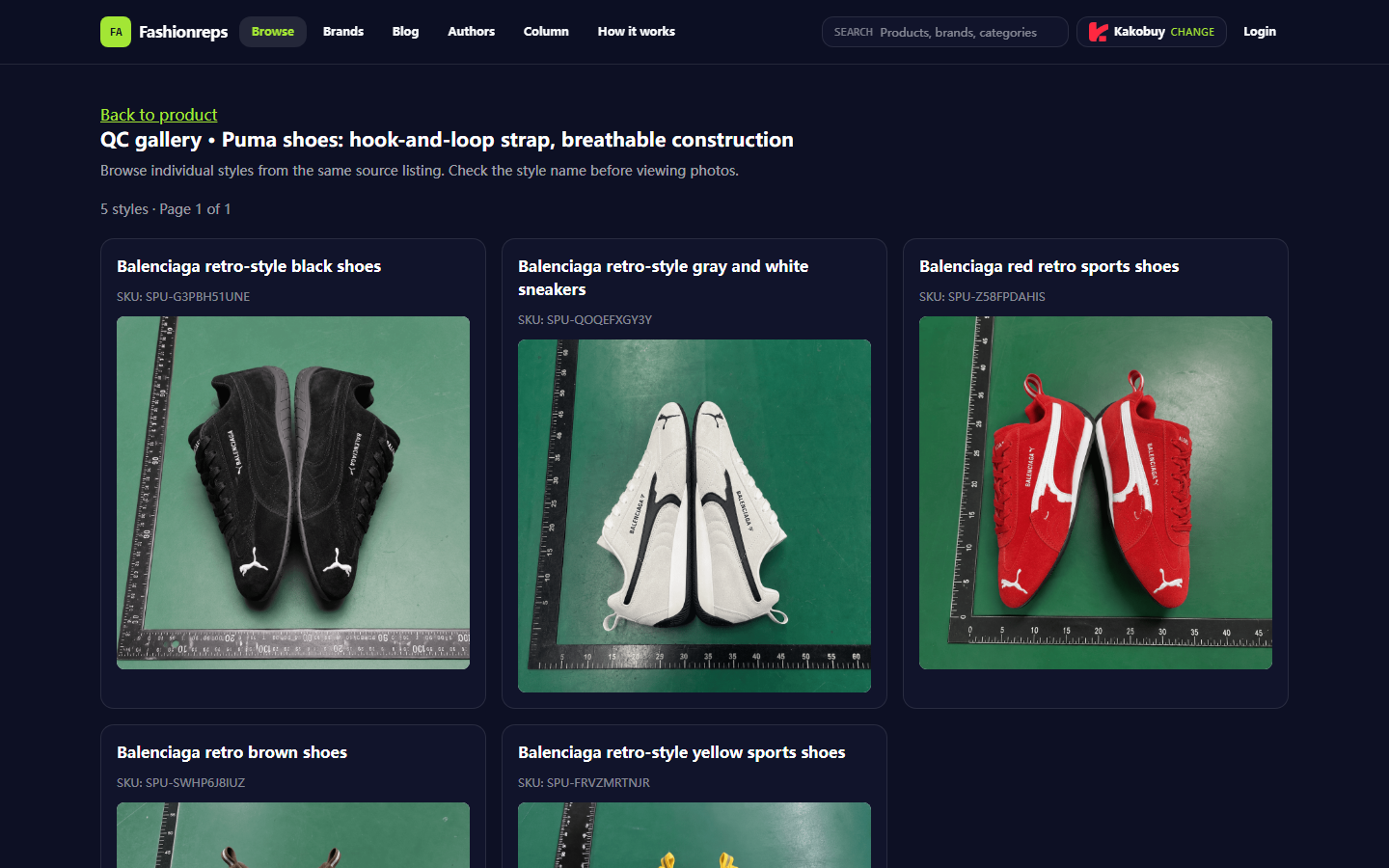
Image: Fashionreps product-related QC page example
Specific tasks for verifying savings on Puma winter sneakers
First, limit the task to one specific product and one specific purchase plan, rather than broadly seeking the "lowest price." You need to confirm the following results:
- Current product name, shoe model, size, color, and visible product price.
- Where the discount entry is located, and whether it displays validity period, usage threshold, or applicable scope.
- Whether the discount excludes Puma, winter footwear, specific sellers, or specific variants.
- The product amount after the discount, and whether service fees, payment fees, packaging fees, and international shipping will still be added.
- The final currency, exchange rate, payment amount, and possible tax notices displayed on the checkout page.
Fashionreps' role is to help users discover products, view product information, and compare purchase paths. Actual orders, payments, and international shipping are handled by the external shopping agent you choose, so discount verification must be based on what is shown on the product page, shopping cart, and checkout page at that time. 🛒
Confirm the shoe model, size, color, and visible price fields from the product page
The first step in discount verification is not to click the discount button, but to lock in the product variant. Under the same product title, there may be different colors, sizes, stock status, or source styles. First record the product name displayed on the page, then select the size and color you plan to purchase.
It is recommended to save the following fields:
- Product name and page URL; the system will handle the link after saving.
- Product source or seller name, if clearly displayed on the page.
- Selected size and color.
- Visible product price and its currency on the page.
- Stock, variant, or shipping restriction information displayed on the page.
- Record time and page status.
If the product page only has vague Puma keywords and no clear shoe model, variant, and visible price, it cannot be used as a valid product sample to support discount calculation. QC images can help verify appearance details, but they alone cannot prove stock, price, authenticity, discount eligibility, or final shipping cost.
Find the current visible discount entry, validity period, and applicable conditions
Discount entries may appear on the product page, agent shopping cart, platform activity page, or checkout page. Record each entry separately, and do not treat promotional text on the page as an already applied discount.
Check in the following order:
- Check whether there is a discount tag, activity description, or exclusive entry on the product page.
- Add the accurate size and color to the shopping cart.
- Check whether the shopping cart automatically applies the discount or requires a promo code.
- Open the discount details to confirm validity period, usage limit, and applicable region.
- Proceed to the checkout page and confirm whether the discount is still retained.
- If the discount disappears on the checkout page, record where it disappeared and any page prompts.
Current information does not provide a directly confirmable Puma official discount amount, validity period, or applicable scope. Therefore, this article only retains the verification process and does not write any unknown discount as a current fact. If the page does not show clear conditions, mark the discount status as "pending confirmation" rather than calculating based on expected discount. 🔍
Verify amount thresholds, brand or category exclusions, and variant restrictions
Discount conditions often require checking the amount, product scope, and order scope simultaneously. Even if the discount appears in the shopping cart, confirm whether it only applies to a specific variant or requires a minimum product amount.
| Verification item | Page evidence required | Action if unconfirmed |
|---|---|---|
| Amount threshold | Applicable amount, calculation basis, and currency in the activity description | Do not estimate based on the discounted amount |
| Brand or category | Whether it includes Puma, winter sneakers, and the current product | Mark as unclear applicable scope |
| Variant restriction | Whether size, color, seller, or stock status affects eligibility | Retest with the currently selected variant |
| Usage limit | Whether it is limited to new users, accounts, or single use | Do not assume repeat use |
| Region and payment method | Destination country, account region, and payment channel restrictions | Reconfirm on checkout page |
Pay special attention to the difference between "full discount" and "product total." Some promotions may be calculated based on the amount of eligible products, not necessarily including service fees, packaging fees, international shipping, or taxes. Unless the page clearly states otherwise, these fees cannot be counted toward the threshold, nor can it be assumed that the discount will reduce them.
Distinguish product discounts from service fees, payment fees, packaging fees, and international shipping
Product discounts only affect the fee fields they actually apply to. Total cost may still consist of multiple components:
Total product cost can be recorded as follows:
Product price − confirmed applicable product discount + service fee + payment fee + packaging fee + international shipping + other fees clearly listed on the checkout page
If paying in a foreign currency, also record the currency used on the checkout page and the conversion result shown by the payment channel. Do not write exchange rate fluctuations as fixed fees, and do not replace the actual payment amount with unconfirmed estimates on the page.
Combined shipping or split shipping also changes the cost structure. Combined shipping may reduce repeated first weight or certain operational costs, but may also increase volumetric weight, package value, or single-shipment loss risk; split shipping may increase fixed costs, but may adapt to route restrictions or reduce per-shipment risk. Without current package weight, dimensions, destination country, and route data, specific savings cannot be calculated.
For customs clearance and taxes, follow destination country regulations and agent checkout page prompts. Do not create so-called "discounts" through under-declaring, splitting orders to avoid taxes, or evading inspections. ⚖️
Record final payable fields separately in shopping cart and checkout page
The shopping cart is suitable for confirming product-level discounts, while the checkout page is suitable for confirming actual amounts for services and shipping. If information differs between the two, the items redisplayed on the checkout page should prevail, and save the differences.
It is recommended to keep a brief record:
Shopping cart stage:
- Product name, size, and color.
- Product original price or current price.
- Discount name, discount amount, or promo code status.
- Subtotal after product discount.
- Fee notices not included in product subtotal.
Checkout stage:
- Product subtotal.
- Discount reduction.
- Service fees and payment fees.
- Packaging, warehousing, or other handling fees.
- International shipping cost, route, and destination country.
- Taxes or tax descriptions shown on the page.
- Payment currency, exchange rate notice, and final payable amount.
If the system requires topping up, selecting an agent, or submitting an order before displaying full fees, record the current status as "final verification not yet completed." Do not treat the shopping cart subtotal as the order total, and do not guarantee final savings based on the promotional price on the product page.
When there is no current official discount information, keep only the verification process
Not having current official discount information does not mean you cannot proceed. You can complete evidence collection, but clearly distinguish between "confirmed" and "pending confirmation."
Confirmed information can only include product fields, selected variant, discount entry, shopping cart result, and checkout page fields actually displayed on the current page. The following content must not be added without page evidence:
- Specific discount percentage or fixed reduction amount.
- Puma products necessarily participating in a certain activity.
- A certain promo code being definitely valid.
- A certain size or color being definitely in stock.
- Any agent necessarily providing the lowest service fee or lowest shipping cost.
- Final cost definitely having no taxes or extra payment fees.
If the activity description is missing, the page cannot be opened, the product page does not have a clear name and price, or the checkout page cannot display key fees, pause the amount comparison and keep only the verification to-do list. The result obtained this way does not contain unverified "savings amounts," but avoids treating uncertain discounts as a basis for purchase. 📌
Save conditions, page timestamps, and fee evidence before placing an order
Discounts and fees may change. Before placing an order, save records that allow verification of the conditions at that time, including page screenshots or exported order summaries, and cover address, phone number, order number, payment information, and other personal data.
The minimum record should include:
- Product name, size, color, and product price.
- Discount description, threshold, exclusions, and validity period.
- Discount result shown in the shopping cart.
- Service fees, packaging fees, international shipping, and other fees shown on the checkout page.
- Currency, page timestamp, destination country, and shipping route.
- Clear marking of unconfirmed items.
The final decision should be based on the "total cost confirmed on the current page," not the promotional discount itself. If the discount only reduces the product price but increases service fees, packaging fees, or shipping costs, the actual savings may be small; if combined shipping reduces repeated fixed costs but significantly increases single-shipment risk, it may not be suitable for high-value or urgent goods. This verification method is suitable for buyers who want to confirm fees item by item, not for those expecting a fixed lowest price, guaranteed tax exemption, or unconditional discounts.